

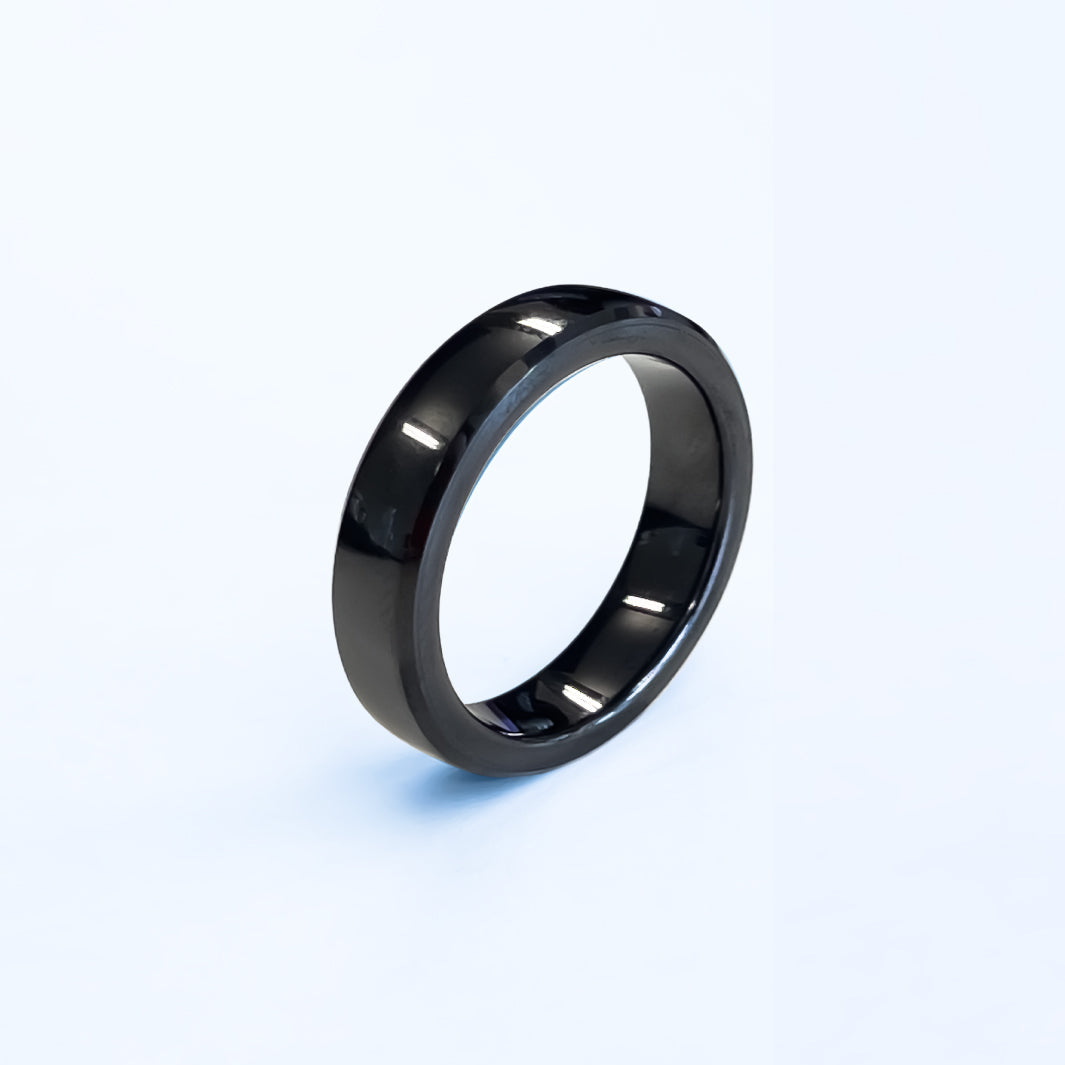



RingPay Black Payment Ring
Exklusiv 25 % Rabatt für Zempler-Kunden
Verwenden Sie den Code ZEMPLER25 an der Kasse
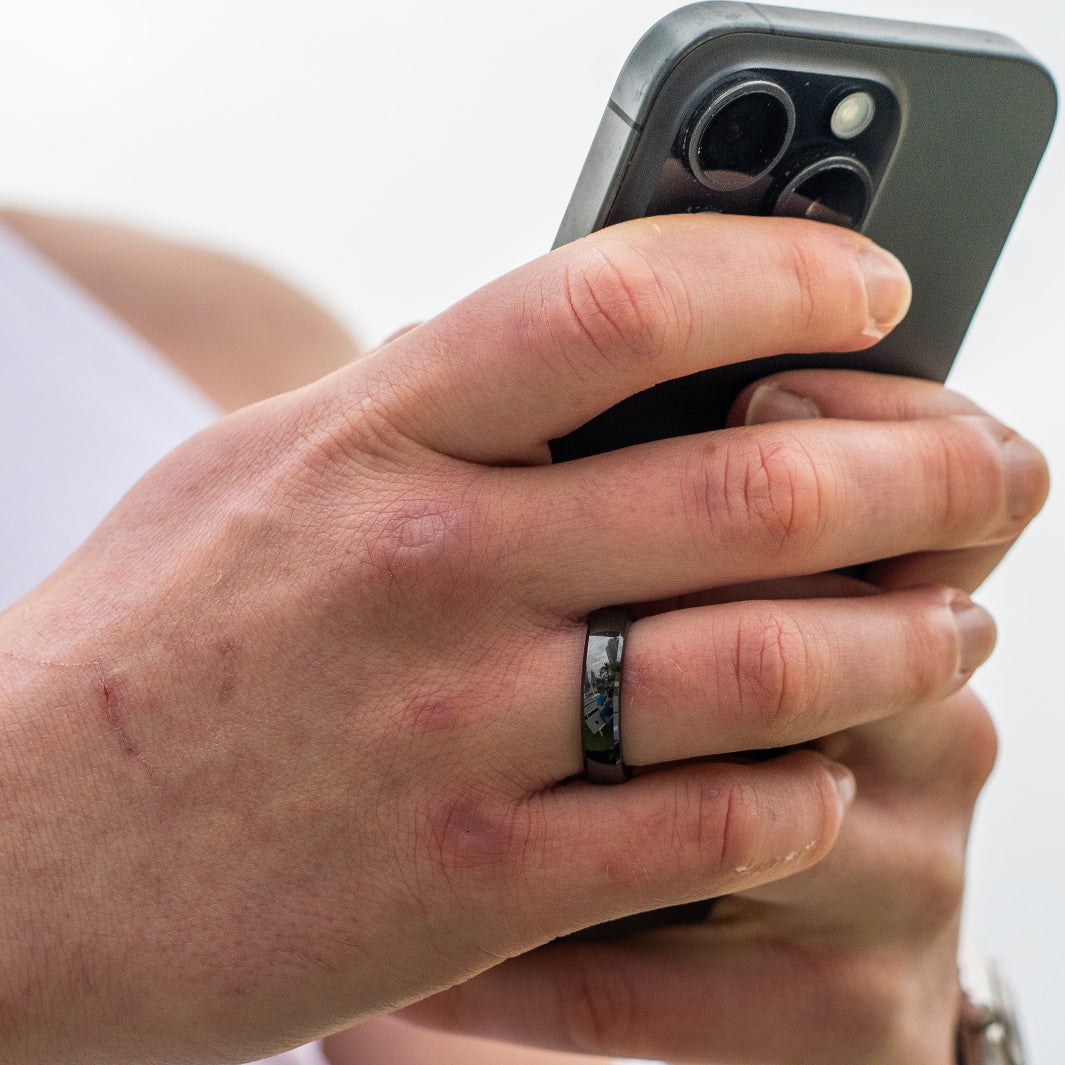
Made from reinforced zirconia ceramic - the polished finish keeps its depth of colour with no plating to wear through. Slim enough to wear alongside other jewellery, light enough to forget you have it on.
Built for real life and fully waterproof. Rain, sweat, washing up, swimming, the shower - it handles all of it without needing to come off. There's no seal to fail and no port to protect, because there's nothing inside that needs charging.
Wasserdicht
Kein Aufladen
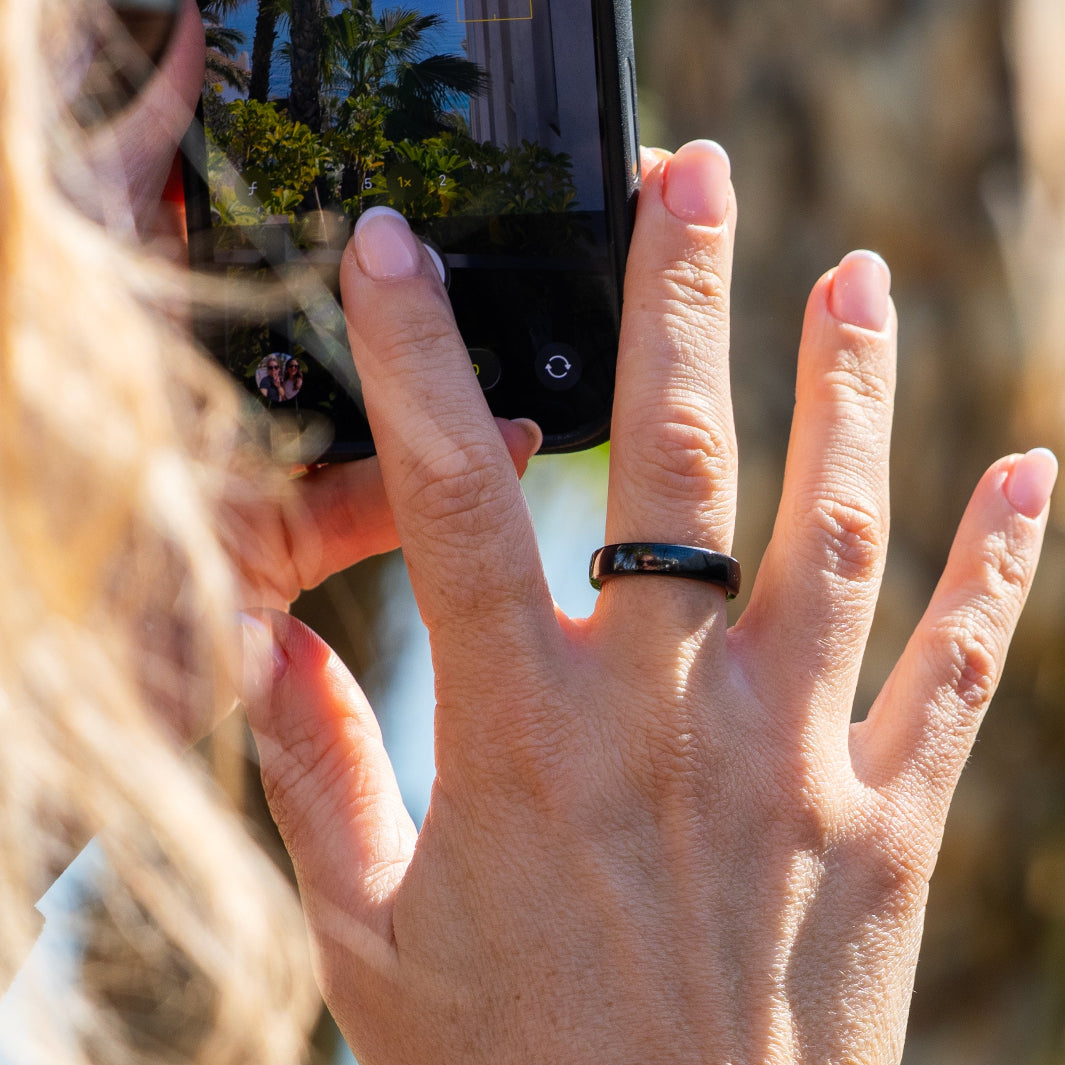
Kontaktlos bezahlen

Unsicher bei Ihrer Größe? Nutzen Sie unser Größen-Tool.
Delivery & Returns Information
Delivery: UK delivery is £5.99, and orders arrive within 3-5 working days. Delivery to Europe is calculated at checkout. During busy periods, things can take a little longer. If your order will be significantly delayed, we’ll let you know by email or phone.
Changed your mind? Let us know within 14 days of receiving your order by emailing support@ringpay.com with your order number. Then send it back to us within 14 days of telling us, in its original condition and packaging.
Faulty? This doesn’t affect your statutory rights. Just get in touch and we’ll help.
Quality Guaranteed
Every RingPay product comes with a 12-month warranty from the date of purchase. If a manufacturing defect appears in that time, we’ll put it right.
The warranty doesn’t cover normal wear and tear, damage from accidents, misuse or not following care instructions, or products that have been modified or repaired by anyone other than us. This doesn’t affect your statutory rights.
Read our full warranty terms, or email us at support@ringpay.com. We’re always happy to help.
RingPay Black Payment Ring
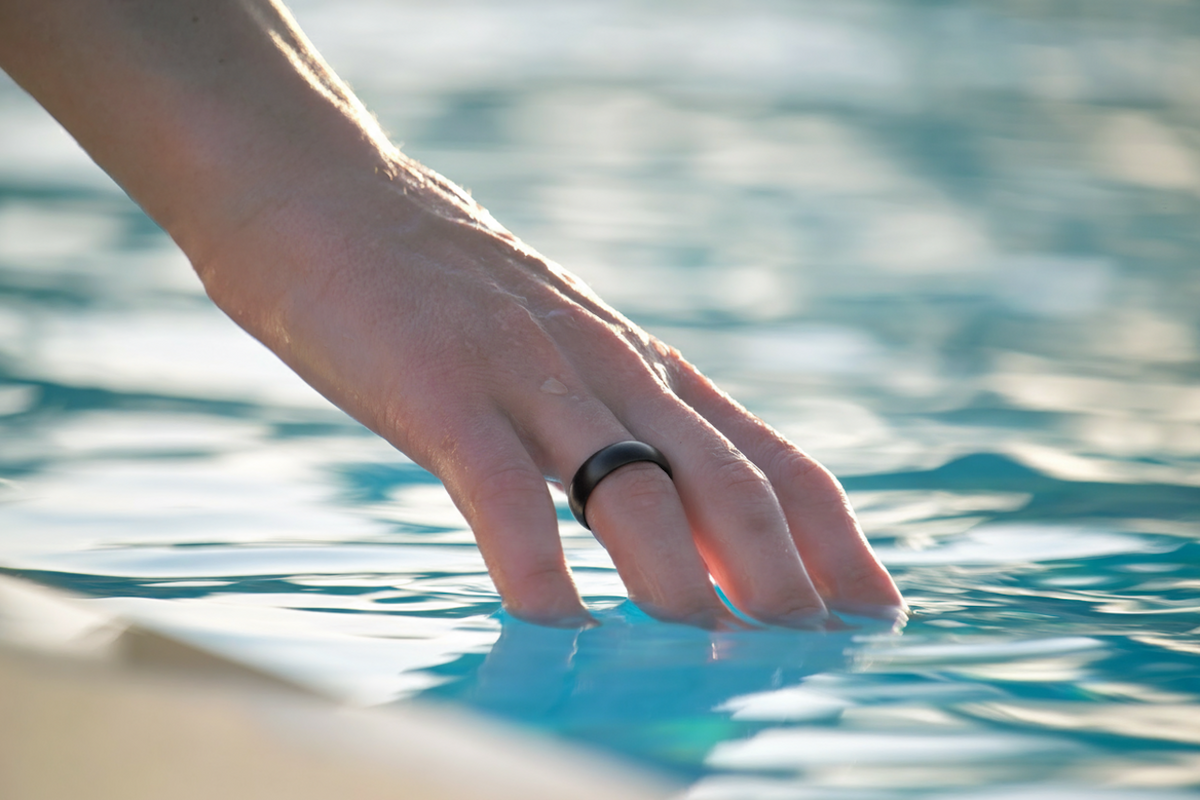
Waterproof
Wear it in the shower, the pool or the rain. With no battery, ports or seals inside, there’s nothing for water to damage, so it never needs to come off.

Secure by Design
Your real card number is never stored on the ring. Every tap uses an encrypted token that only works on your ring, and you can pause it instantly in the RingPay app.

No Charging, Ever
There’s no battery, so there’s nothing to charge and nothing to run flat. The ring only powers up when you tap it on a payment terminal, so it’s always ready to pay.
Ready in 2 minutes
Setup is as effortless as the tap itself.
-
1
Order
Purchase your wearable.
-
2
Get the app
Download RingPay — free on iOS & Android.
-
3
Scan your ring
Hold it to your phone with NFC switched on.
-
4
Link your card
Add your bank directly, or via a free Curve account.
-
Done!
Tap to pay on any contactless terminal.
FAQs
How does the ring work without a battery?
The Zirconia Ceramic Payment Ring contains a secure chip (Infineon’s SECORA™ Pay) that draws power from the payment terminal’s NFC field. This means no charging, ever.
Is the ring waterproof?
Yes! Our Wearables are fully waterproof and designed for active lifestyles - whether you're swimming, showering, or sweating it out at the gym.
How secure are the payment rings?
Security is a top priority. Your payment data is tokenized via Fidesmo Pay, meaning your actual card number is never stored or transmitted.
If the wearable is lost or stolen, you can easily pause or deactivate it through the RingPay app.
Which cards and banks are supported?
Our wearables support Visa and Mastercard from many major banks through Fidesmo Pay.
If your bank isn’t directly supported, you can use Curve to link almost any Visa or Mastercard and connect that to your wearable.
To check what banks are supported by our payment rings please visit our Supported Banks page.
I've lost my ring - what do I do now?
Freeze your card in the RingPay app as soon as possible. Blocking payments here only stops payments on the ring itself - your bank card will continue to work as normal.
To block payments on your wearable:
- Open the RingPay app
- Click on the lost wearable
- Tap "Pause Card"
- This will stop all payments on your wearable
How do I set up my payment ring?
Setting up your ring is easy and should only take 2 minutes!
You can find a handy guide for how to do this here.
Can't find the question and answer you're looking for above? Head to our FAQs page where you'll find more information.
Alternatively, contact support@ringpay.com with any questions you have and our team will be happy to help.