

Getting started
Set up your RingPay wearable in just a few minutes.

Purchase your wearable
Pick the payment ring or bracelet that suits you. Unsure of your size? Grab a ring sizer first to make sure it fits perfectly.
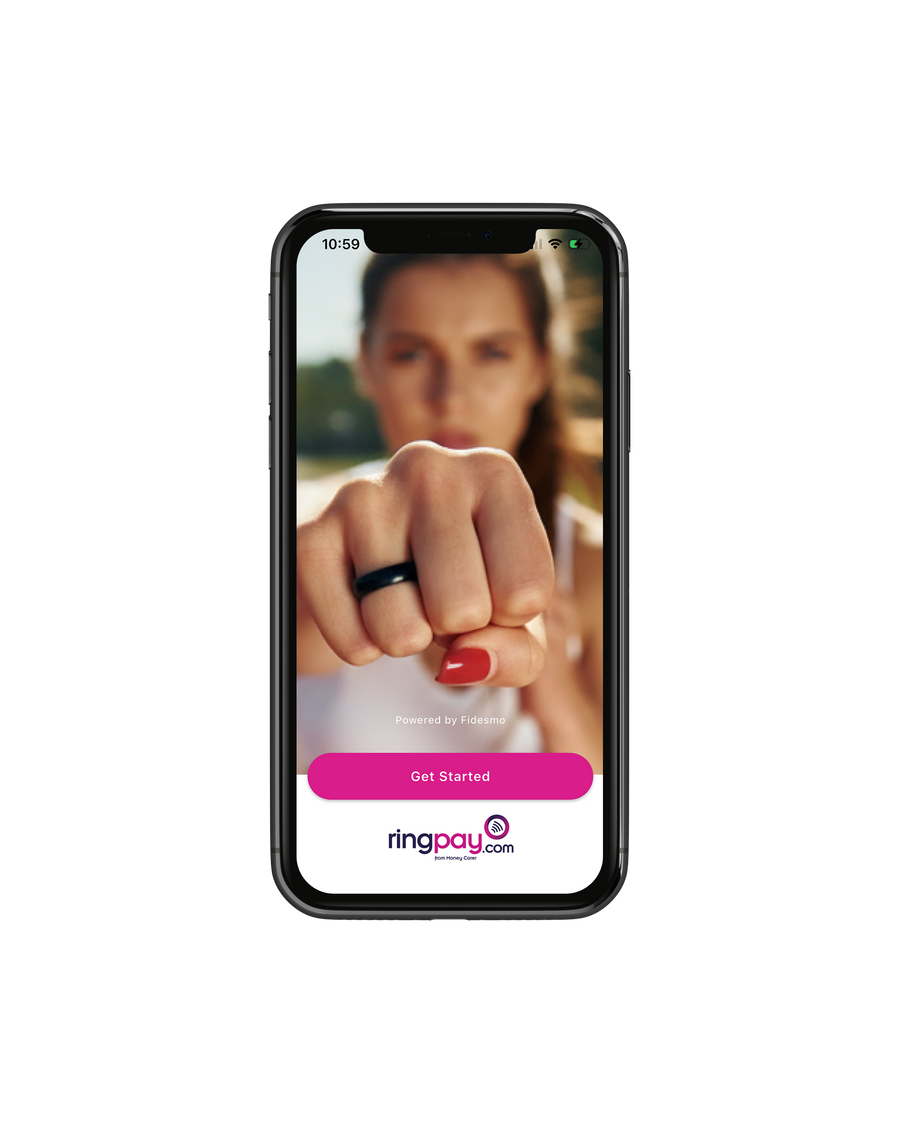
Download the RingPay app
Grab the free RingPay app — it's where you'll link your card and pair your wearable.
Check your bank & link a card
First, check whether your bank is supported. That decides which path you follow:
Bank supported?
Link your bank card directly in the RingPay app. That's it — skip Curve and jump to the next step.
Not supported yet?
Don't panic! Download the free Curve app and set up your account (you may need photo ID). Add your existing bank card to Curve, then link your Curve card details in RingPay. To get your Curve Card details, you'll have to click Launchpad in the Curve App.
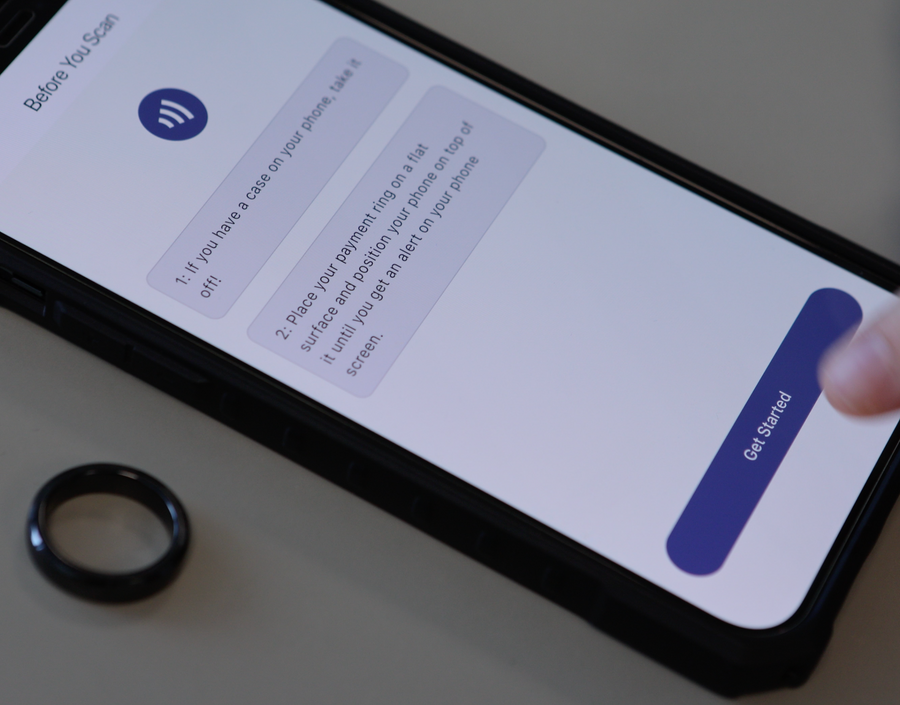
Pair your wearable
In the RingPay app, tap My Wearable and follow the steps to connect it. Tip: take your phone case off — some cases interfere with NFC pairing.
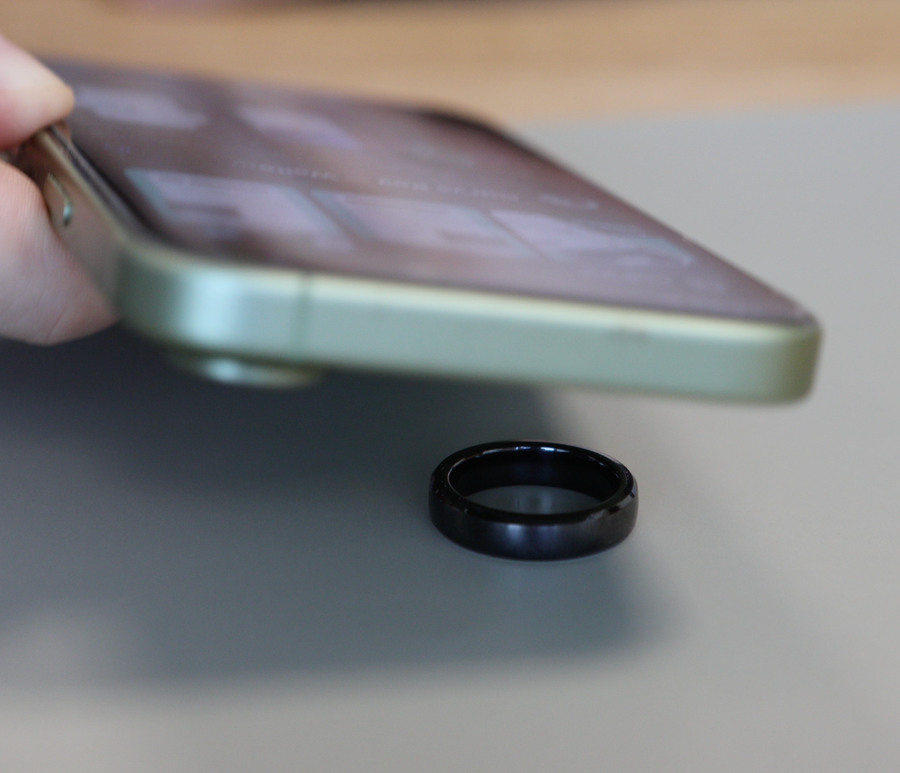
Scan your Wearable
Set the RingPay Payment Ring on a flat surface and lay your phone face-up on top of it. Move your phone slowly across the ring until it's detected and scanning begins. NFC readers sit in different spots on different phones, so a little searching is normal.
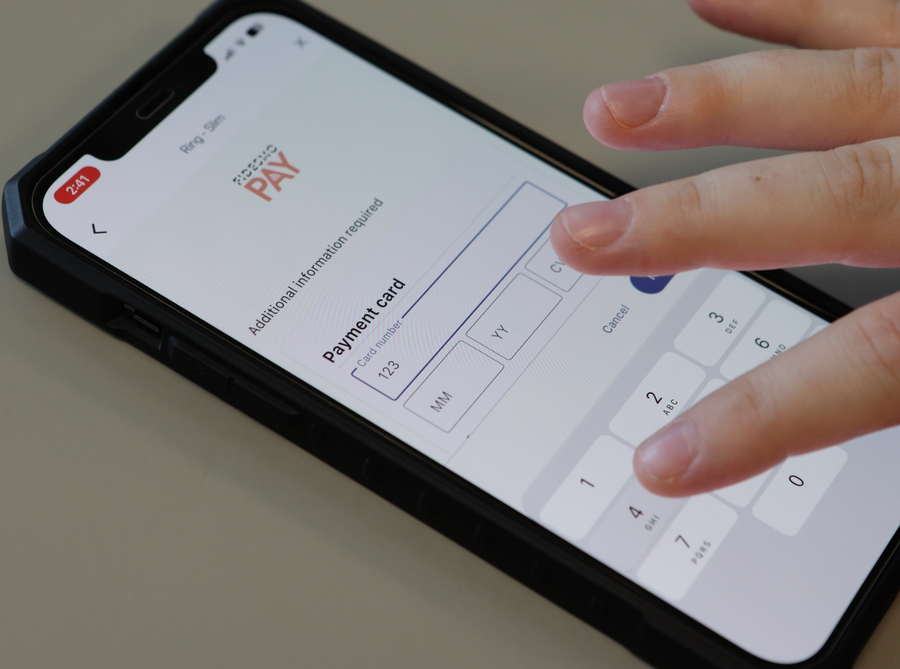
Add your Payment Info
Once you've added your Payment Wearable to your RingPay app, you'll have to follow the prompts to install Fidesmo Pay. Now, this is where you'll add your payment information. If your bank is directly supported, you'll enter the bank card details here. However if it isn't, you'll have to add the Curve Card details from within the Curve app.
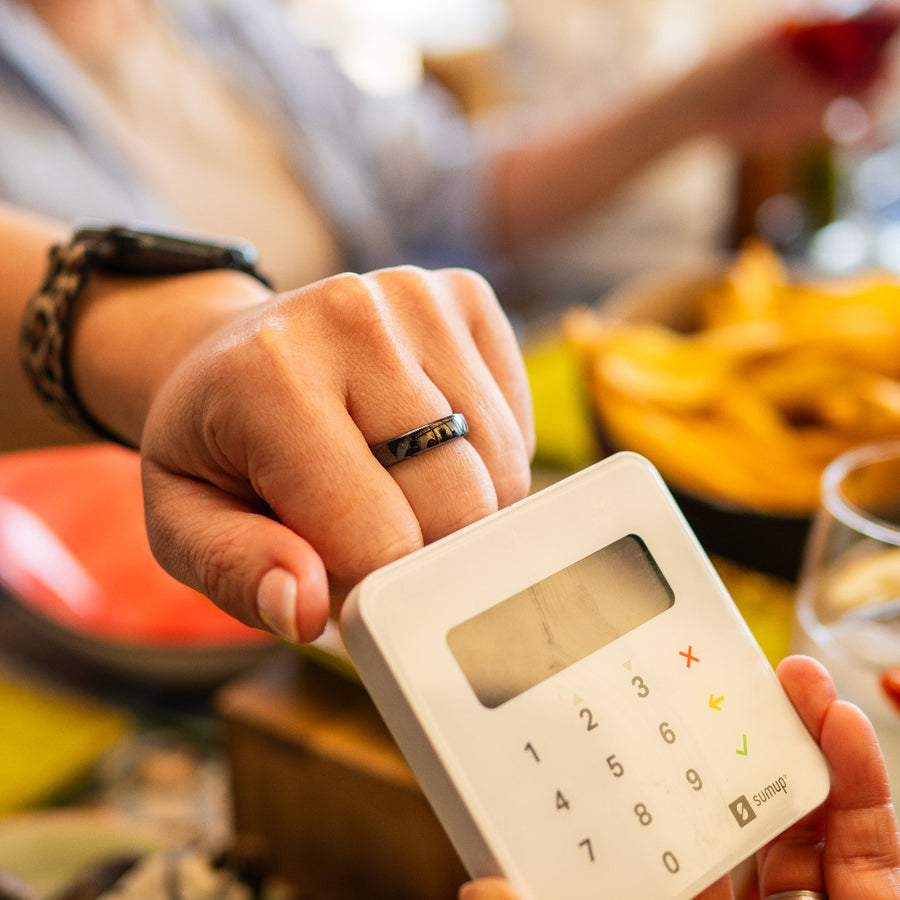
Now you're ready!
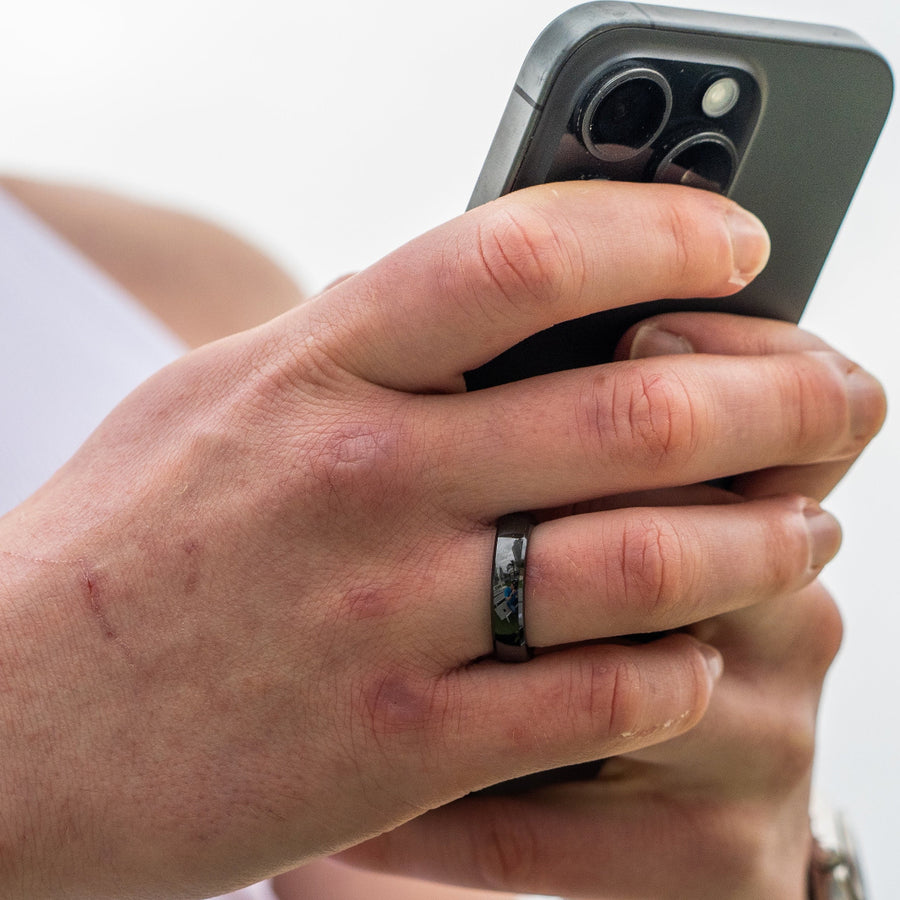
Once you've added in your payment information, you're ready to use your Payment Wearable. Make a fist as shown - and rest your Payment Ring on the Terminal for a few seconds - and you're ready to go!
Stuck on any step? Email us at support@ringpay.com .

Paying with your ring
Tap, Hold, Done.
-
Lead with the ring
Make a loose fist and hold the ring to the reader, not your palm or fingertips.
-
Aim for the symbol
Find the contactless symbol, usually on or just above the screen
-
Hold still for a second
Keep it there until you hear the beep or see the tick
-
One device at a time
Keep cards and phones away from the reader