



Contactless payment rings that never need charging
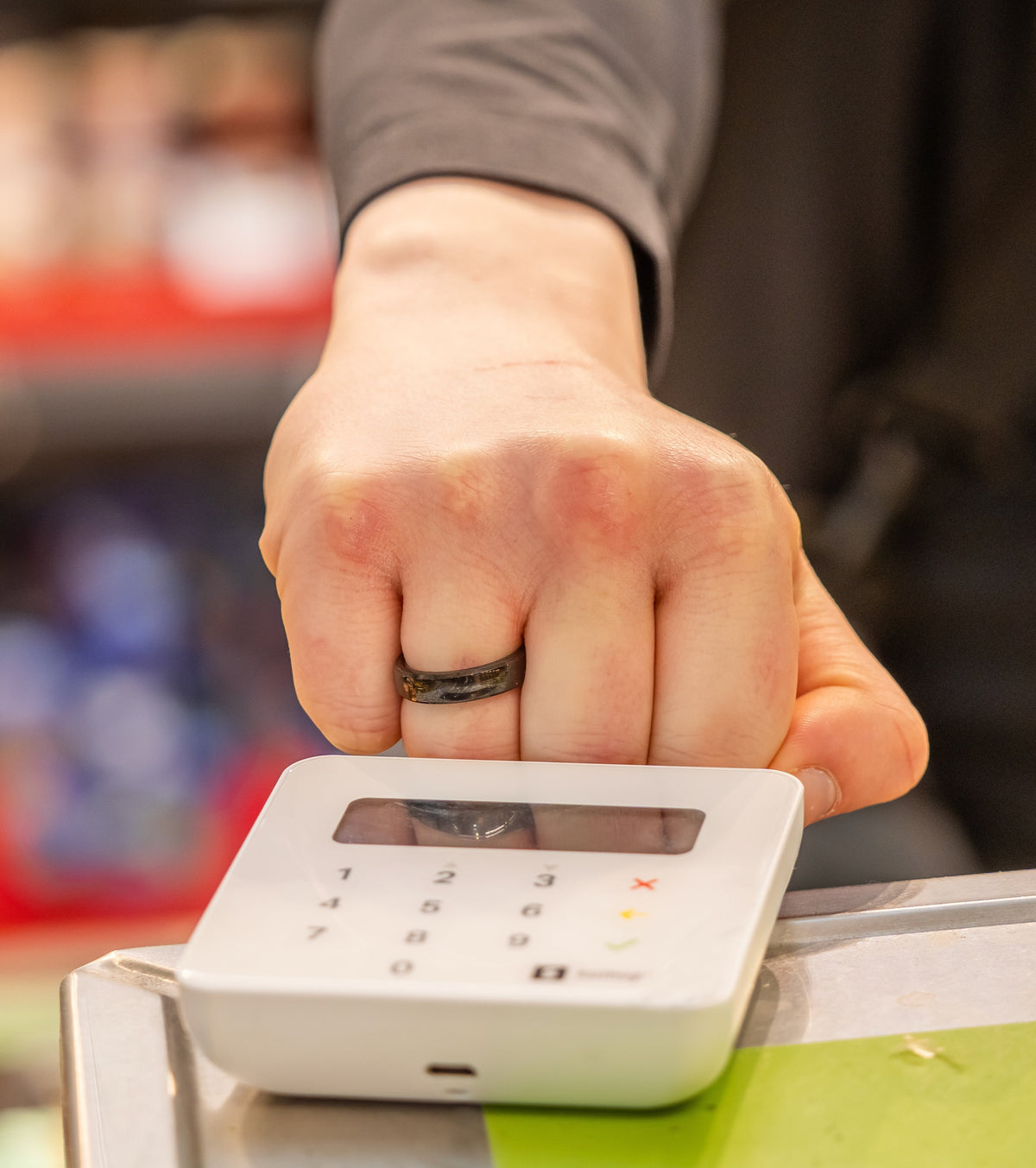
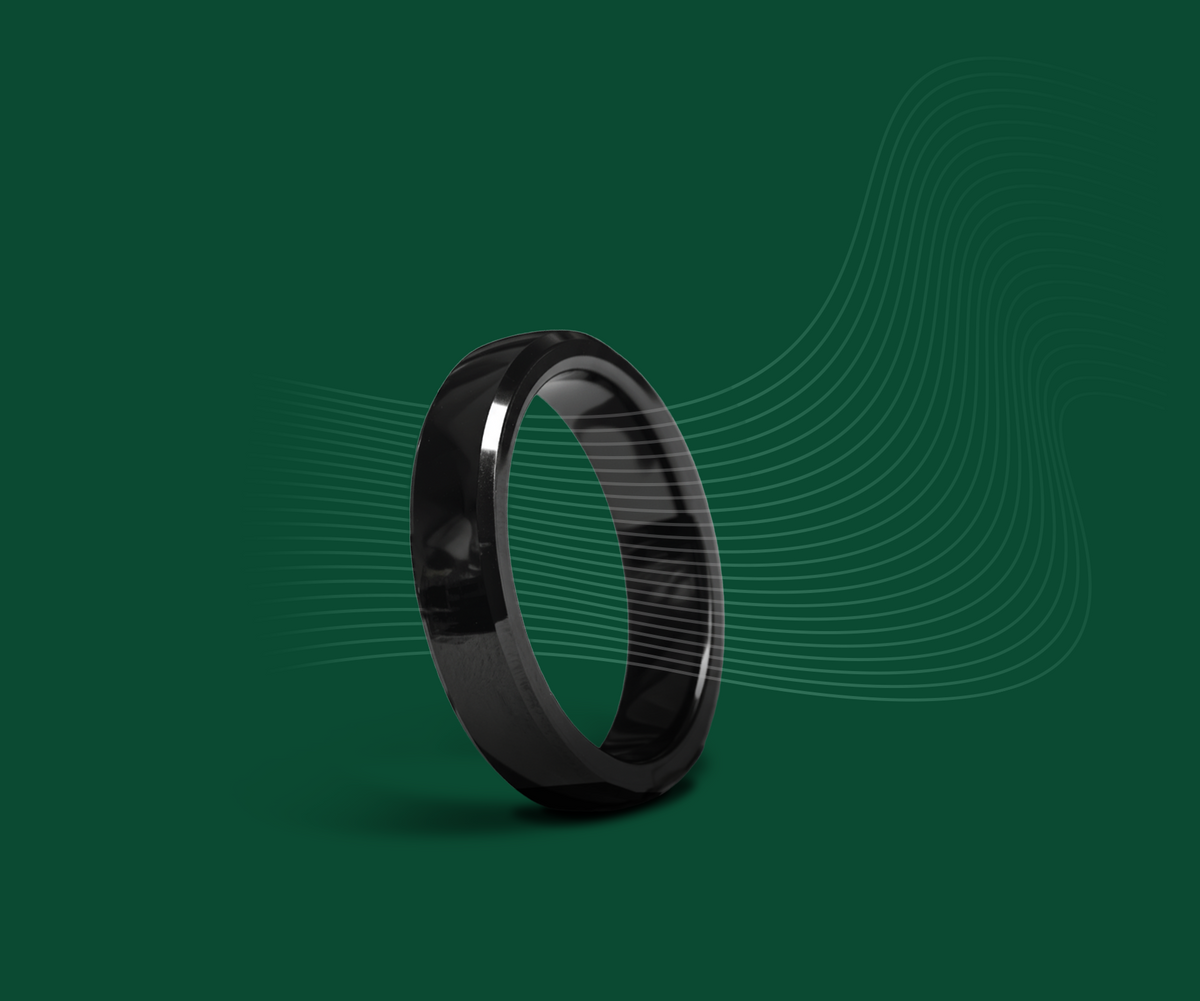
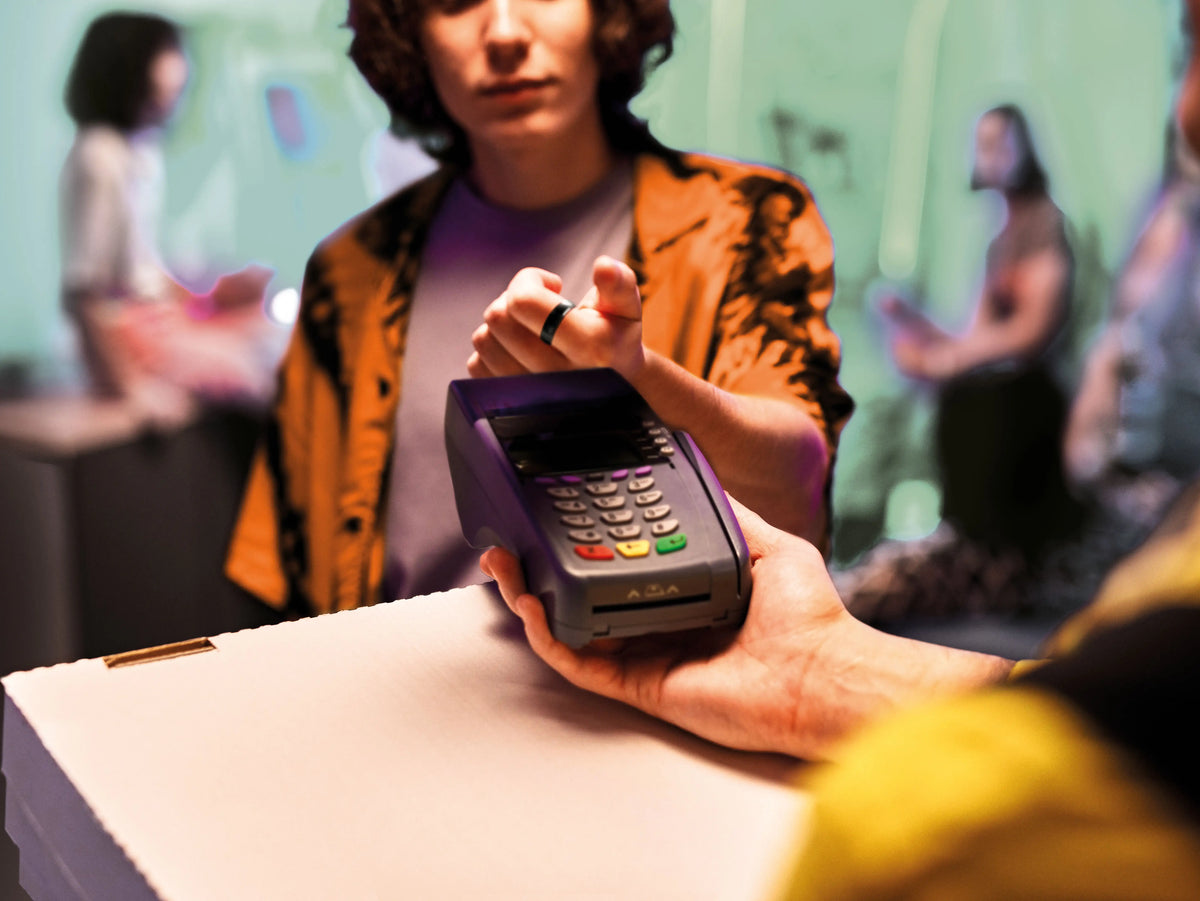
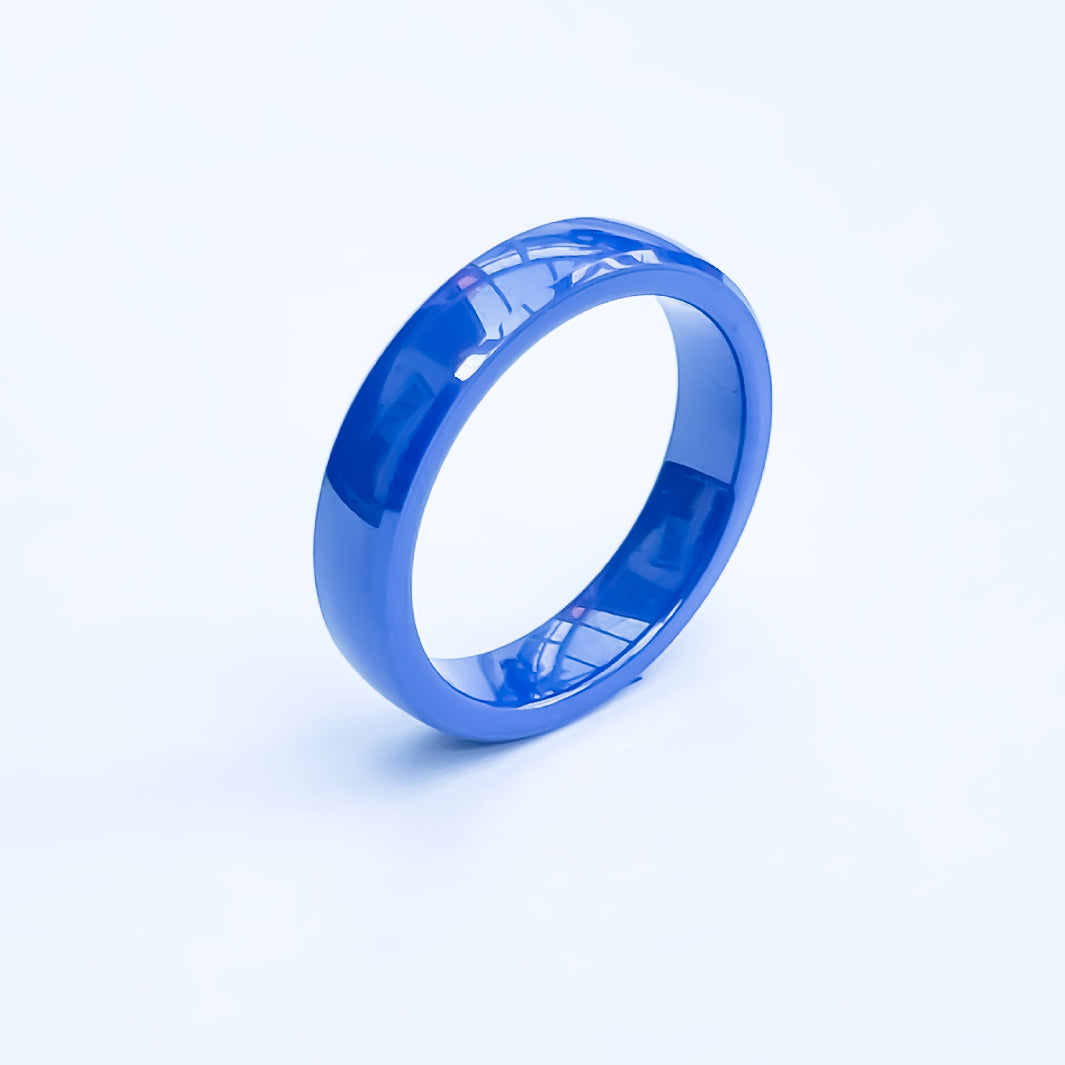
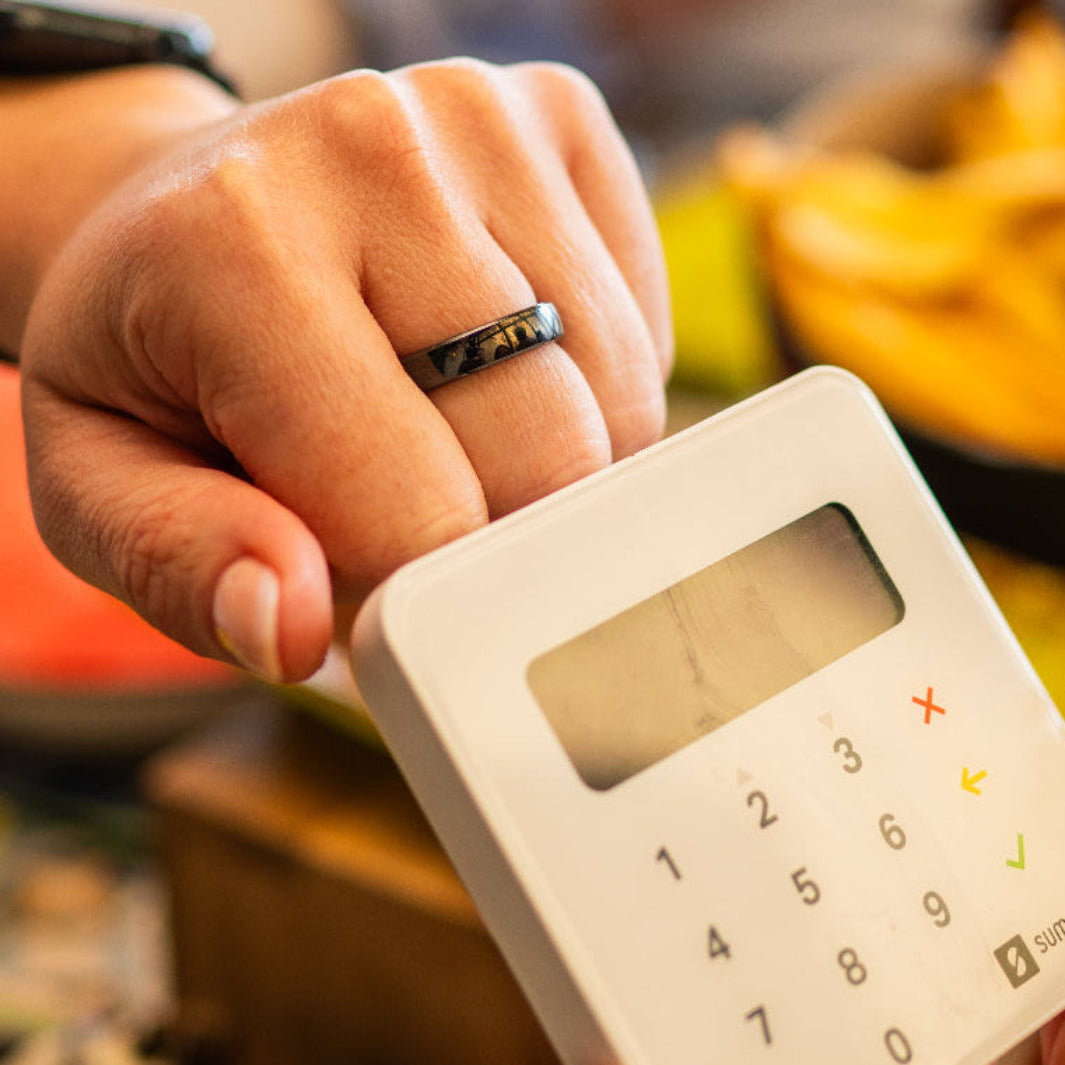
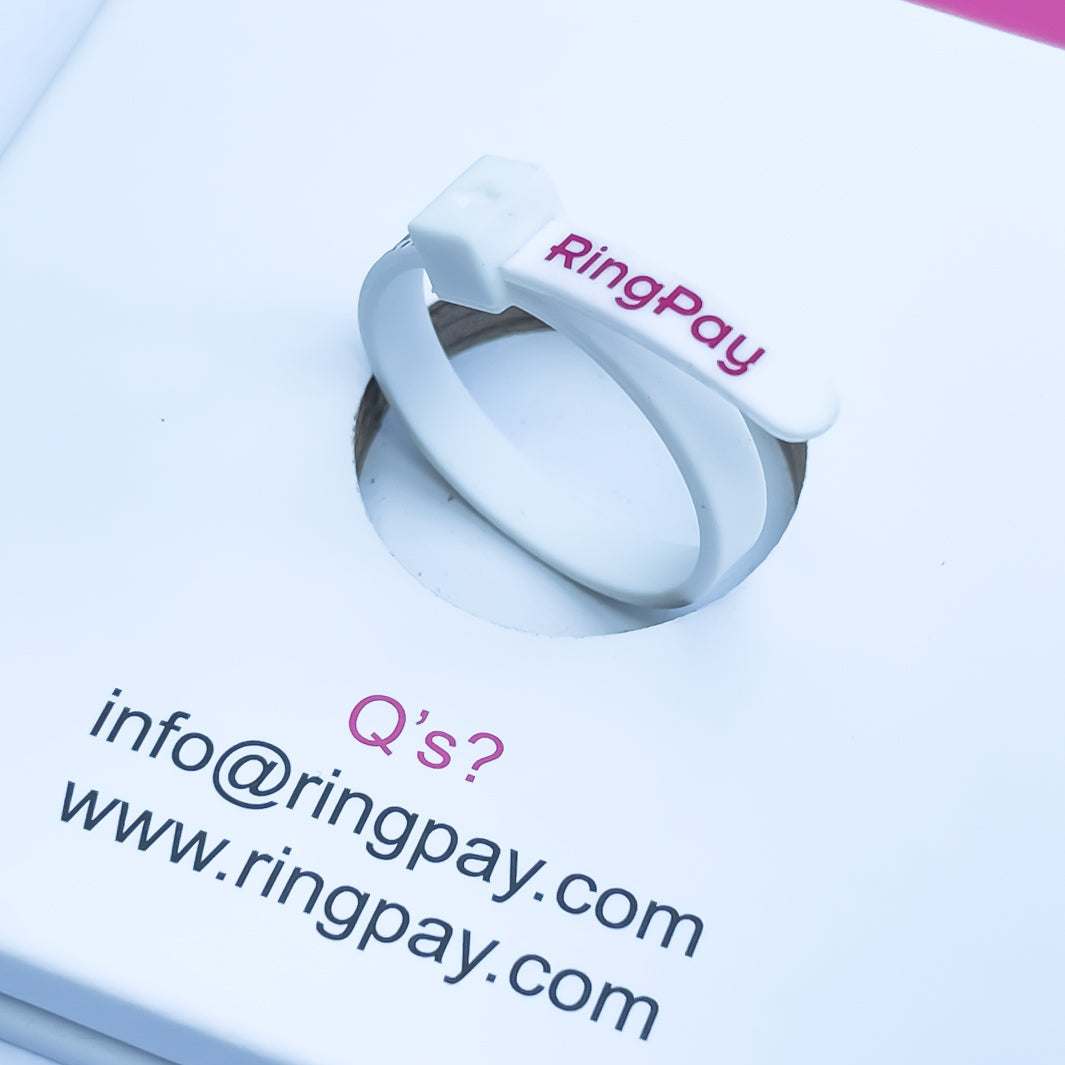
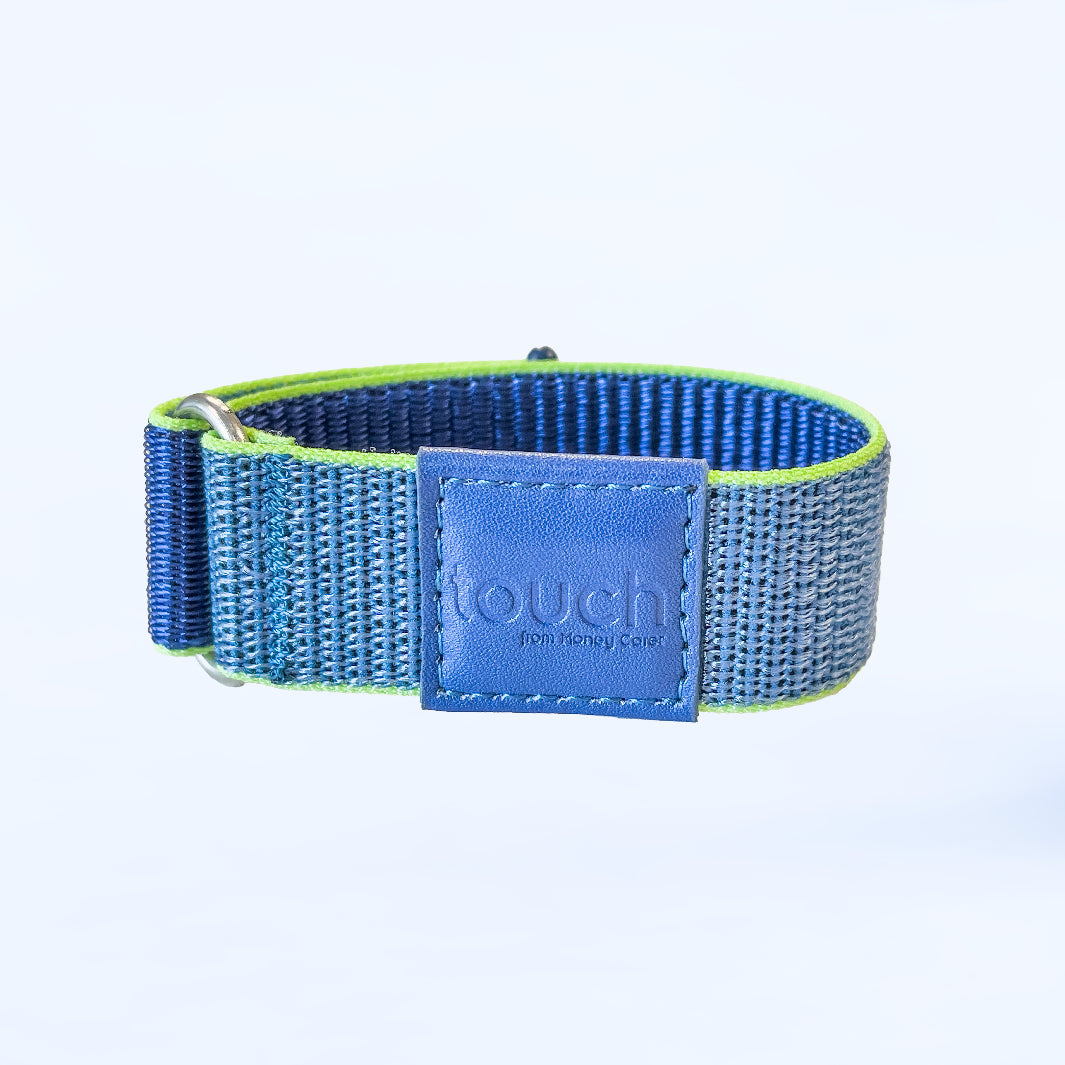
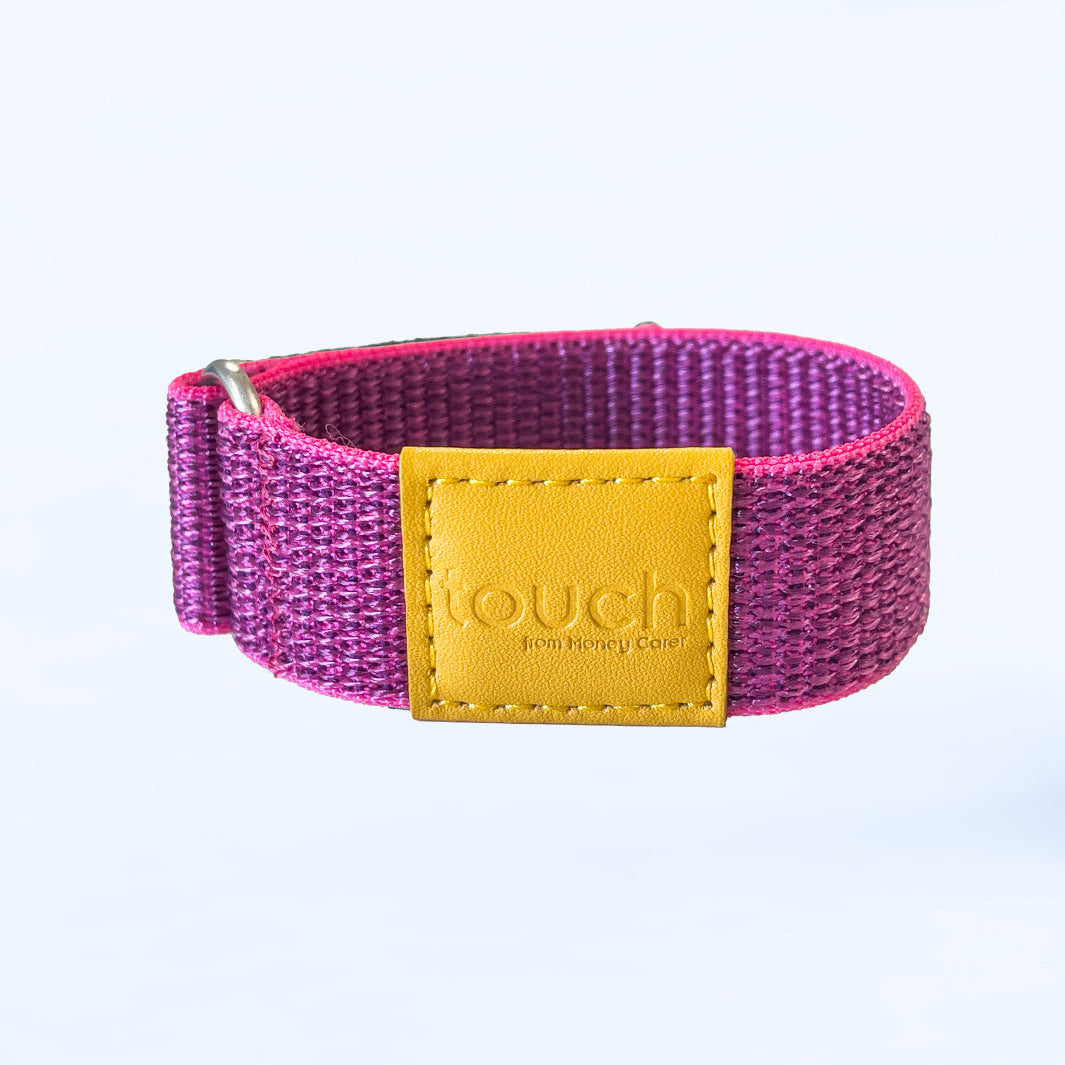
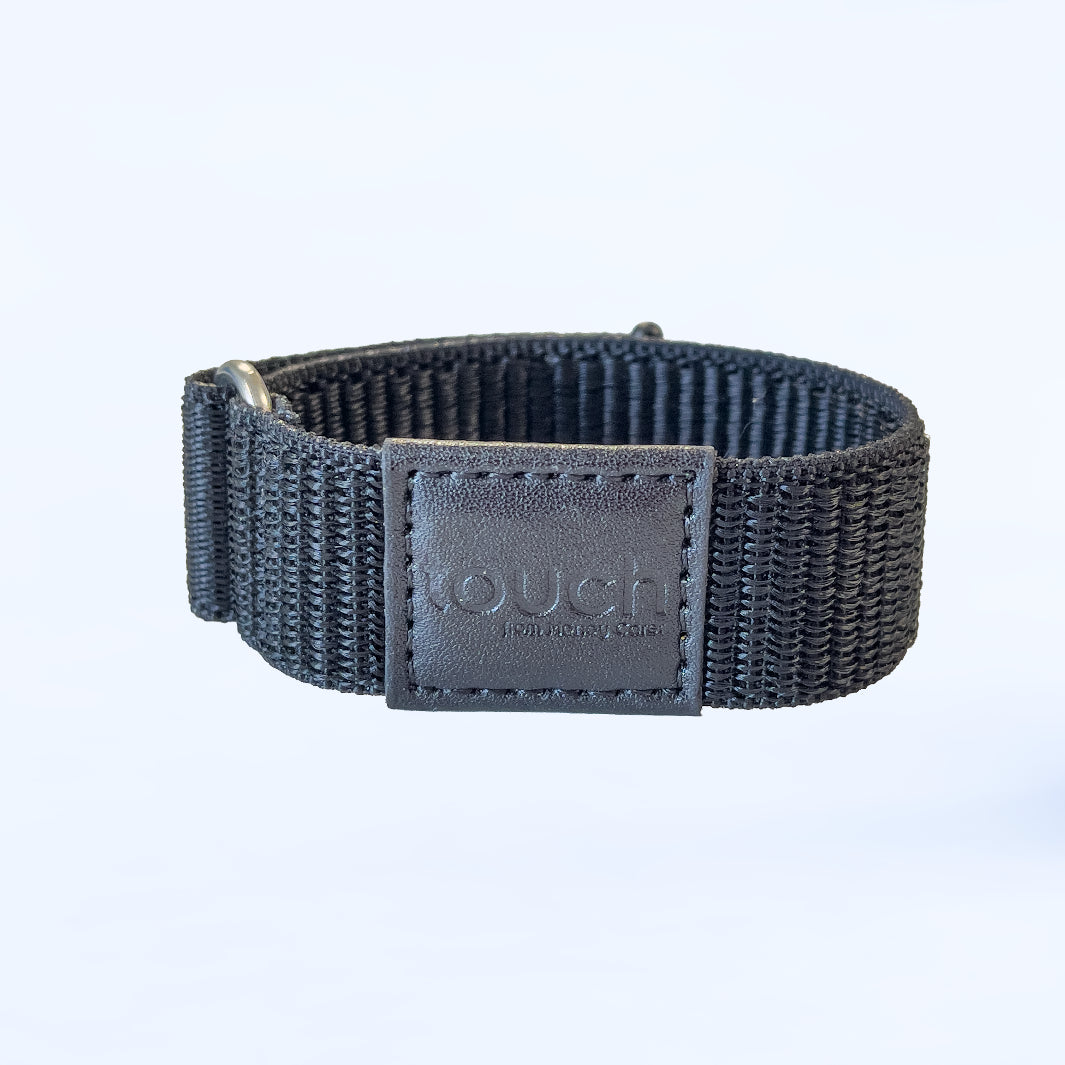
Meet RingPay's contactless payment rings and wristbands. Pay with a simple tap - no phone, wallet or charging required. Connect your payment card using the RingPay app and enjoy secure, effortless payments wherever life takes you.
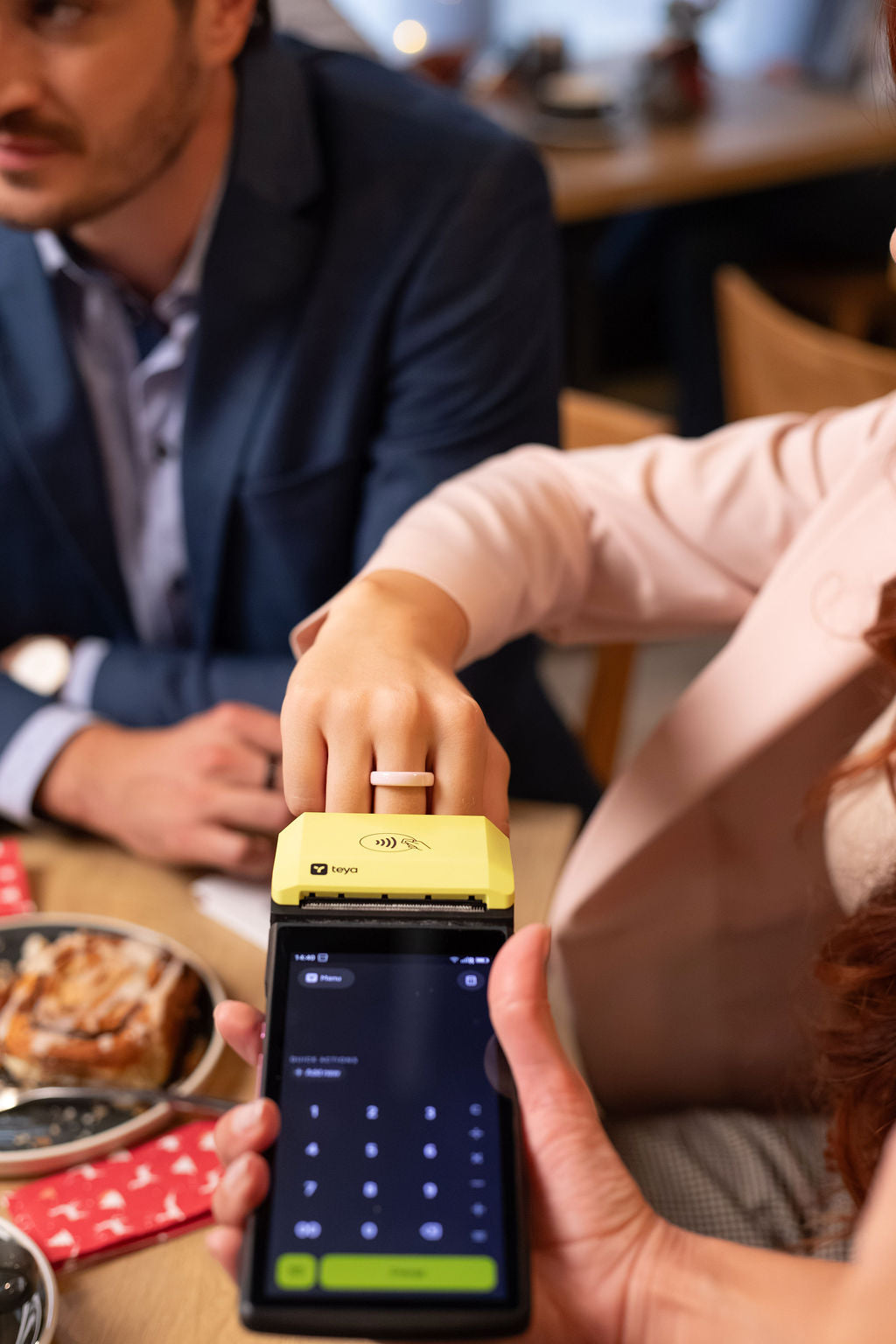 Leave the wallet at home
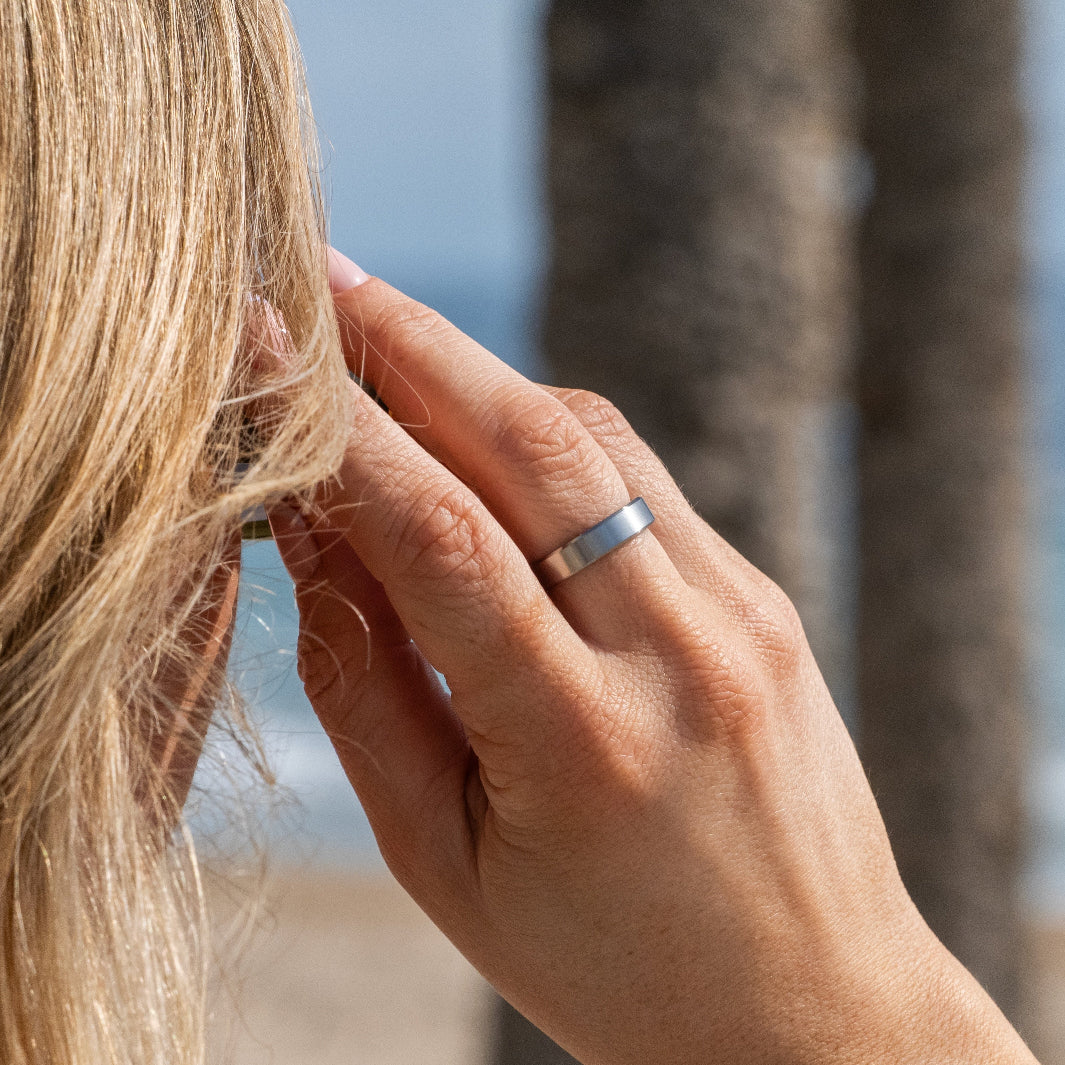
 Swim, train, tap
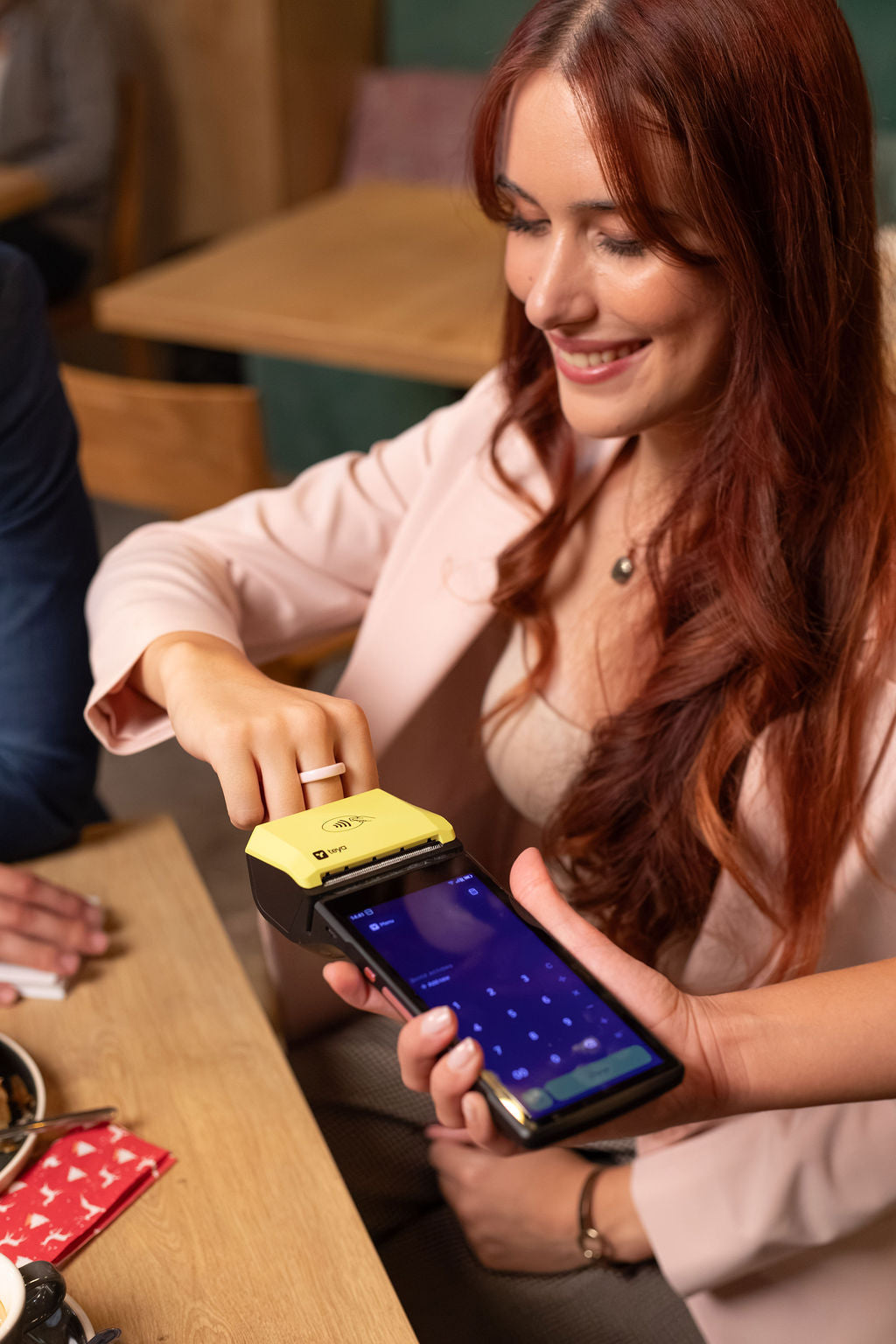 Pay in a tap
 No charging. Ever.
 A little independence
 Tap through your day

Best Sellers
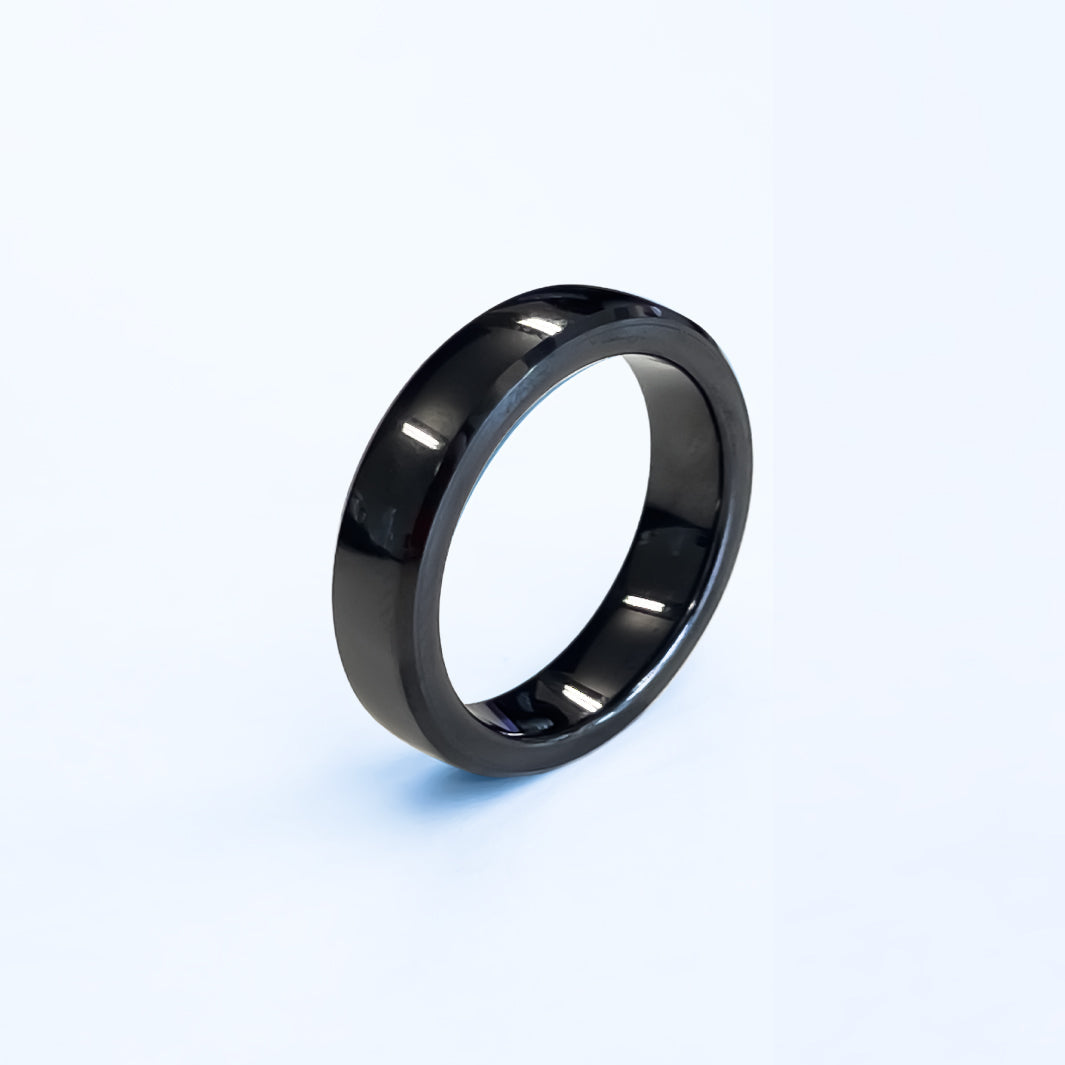
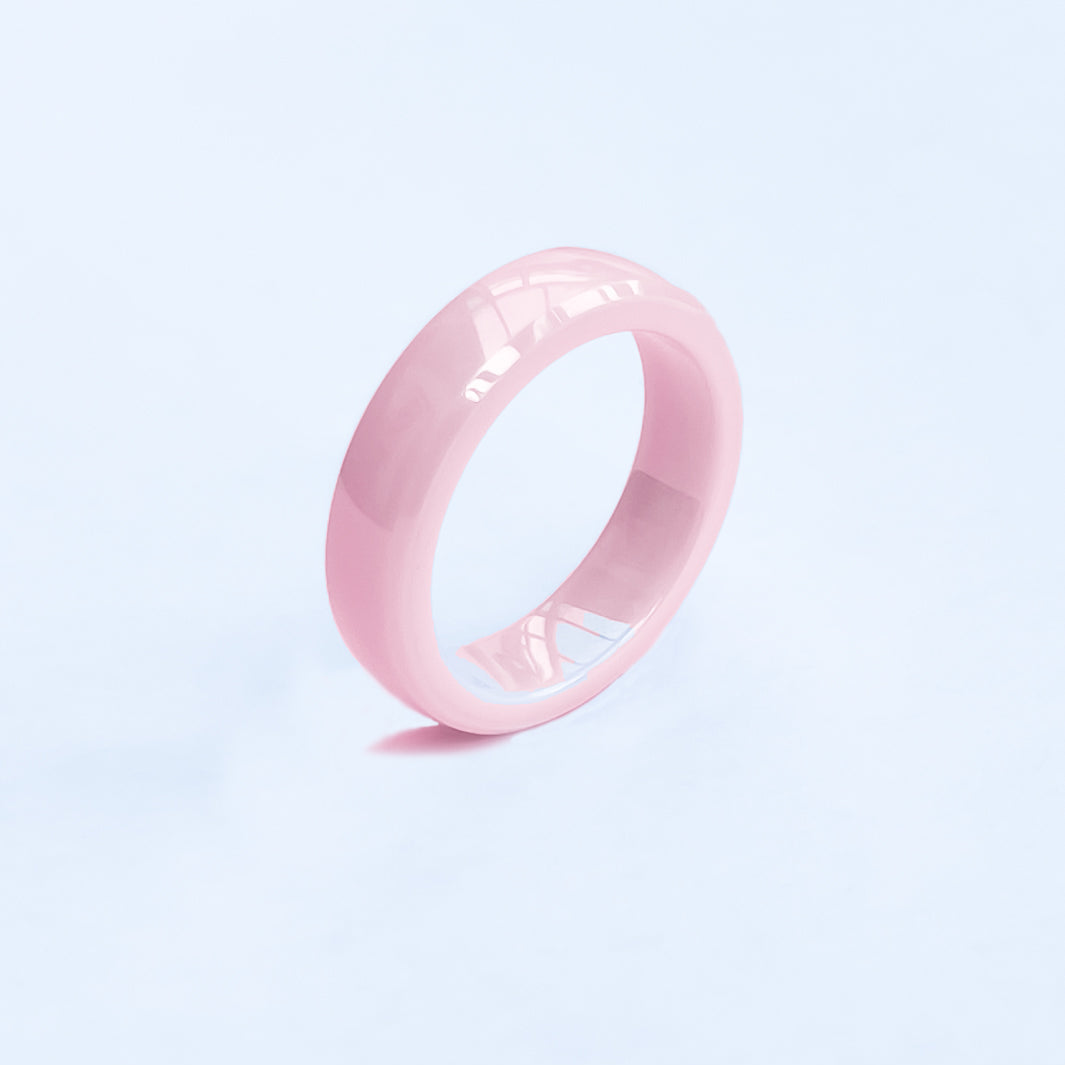





How Peter found Monika
He let her walk away once. This time, in the middle of a busy sale, Peter isn’t letting the moment slip, and one tap of his ring is all it takes. Watch Chapter 2 of Monika and Peter.
New to the story? Start from Episode 1, then subscribe so you don’t miss what happens next.
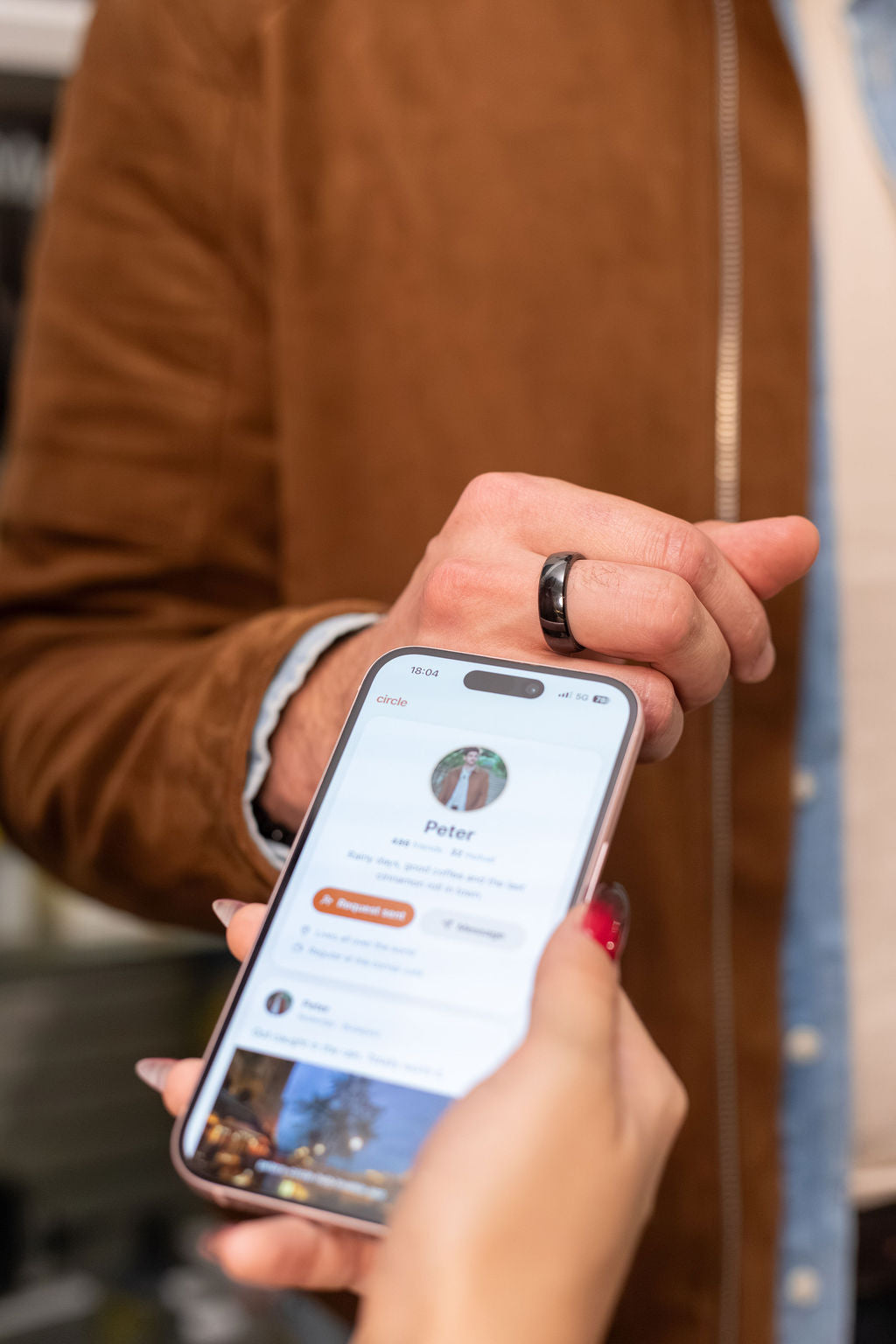
Share more than a payment
Your RingPay ring can share a link too. Add your socials, portfolio or online business card in the RingPay app, then hold your ring near the top of someone's phone. Their phone opens your page, with no app or typing needed.
Four steps
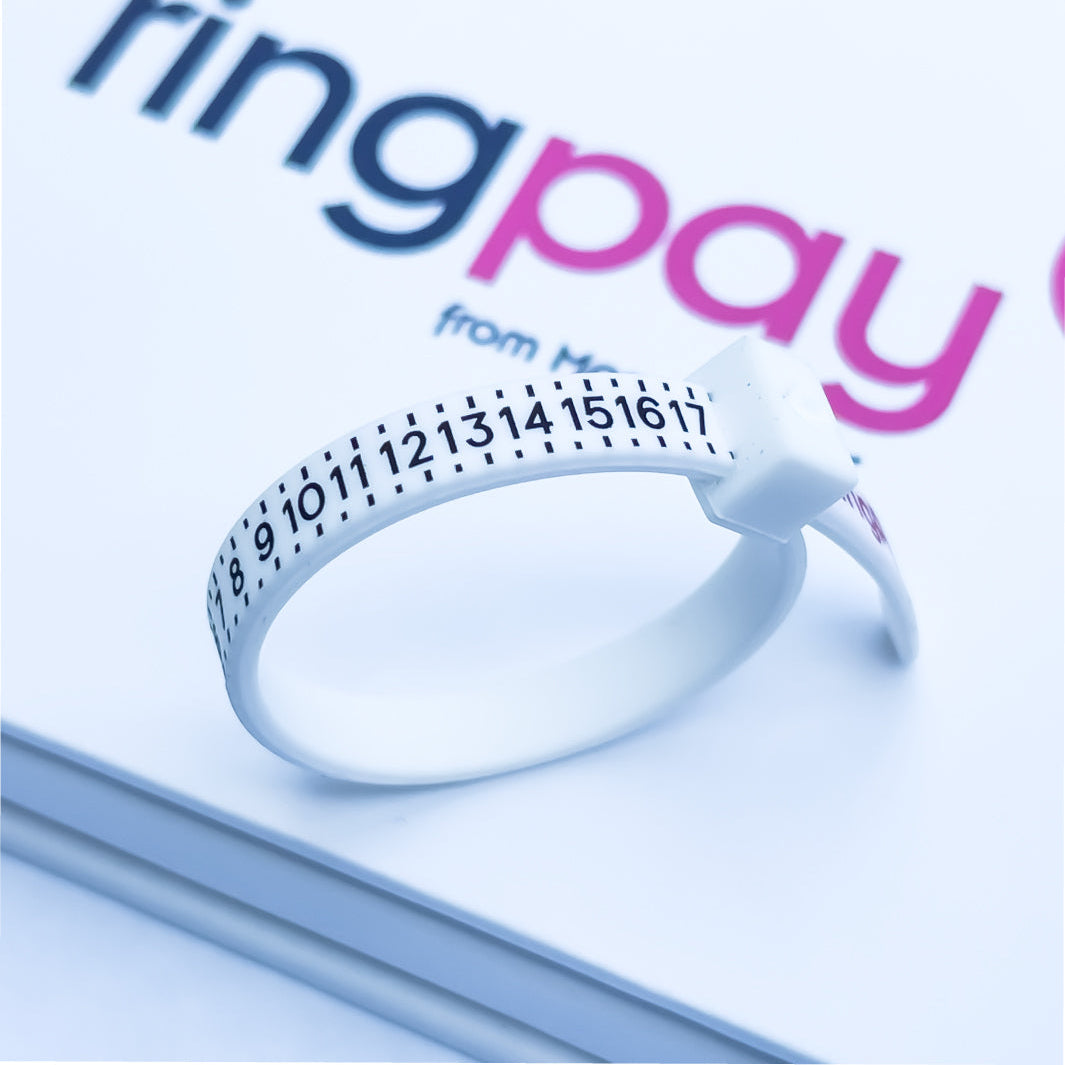
Simple to set up, easy to use
Everything happens in the free RingPay app. Here’s what to expect.
-
Check your bank
Check your bank is supported, or use a free Curve account if it isn’t listed.
-
Download the RingPay app
Free on iPhone and Android.
-
Pair your wearable
Place it on a flat surface, lay your phone on top and move it slowly until the app finds it.
-
Add your card and pay
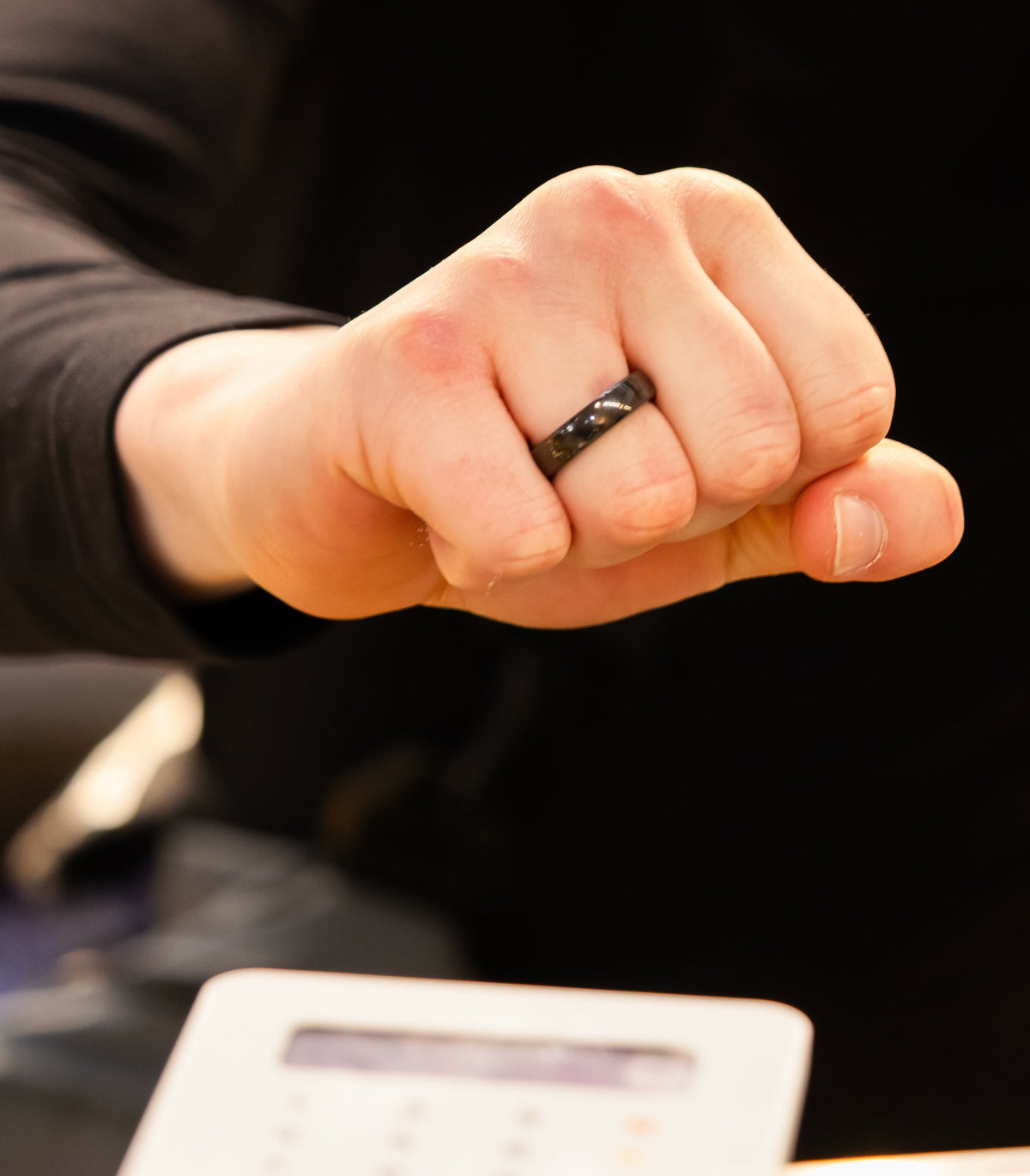
Add your card in the app, then make a loose fist and rest your ring on any contactless reader.

Showcased in


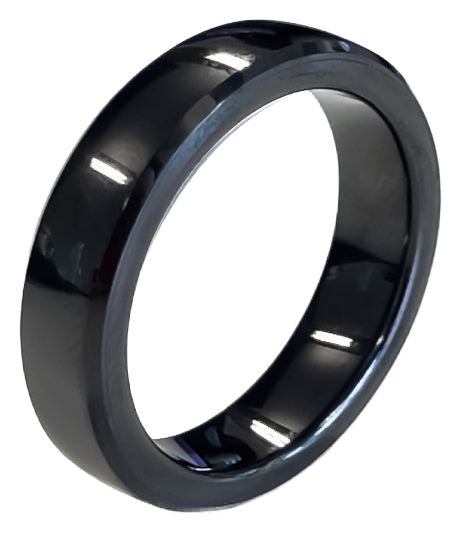
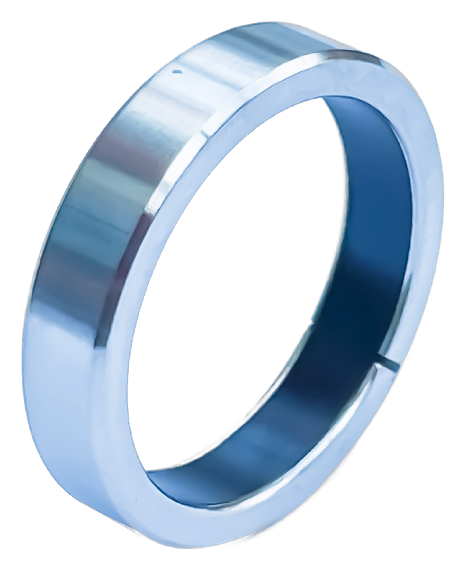


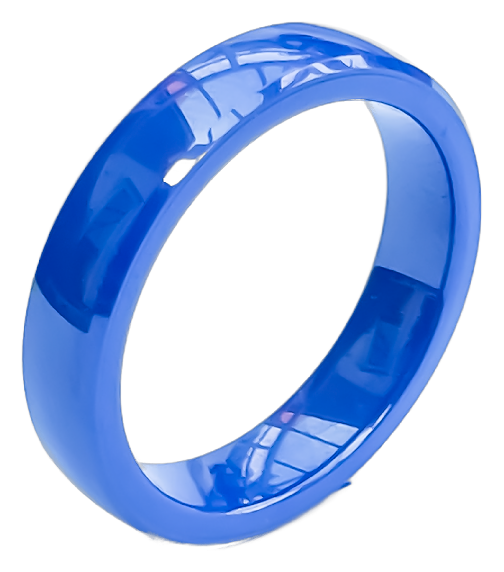

Pay with a tap of your hand. No phone, no wallet, no charging.
Shop the rangePay with a tap of your hand. No phone, no wallet, no charging.
Shop the rangeLatest News